Your teams capture every contact.
And you run everything from your manager dashboard, or hand it over to your communications team.
Cards that reflect your brand, with your logo. Several branches, regions or departments? Create groups of cards, and sub-groups inside them (Lyon, and within Lyon sales and events), give each one its own colour, and track them separately.
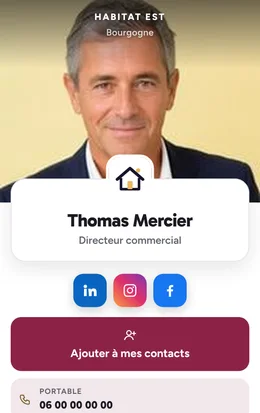
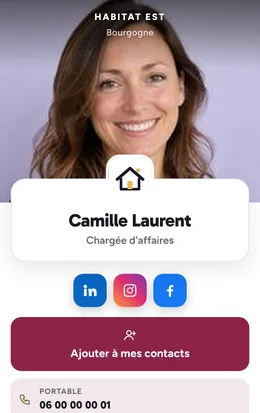
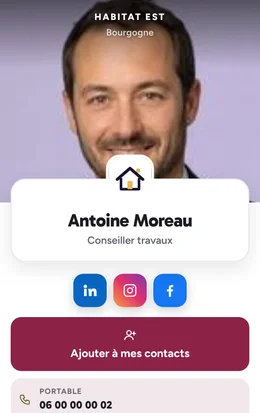
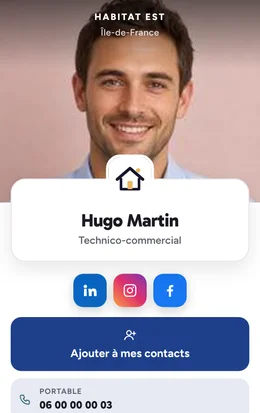
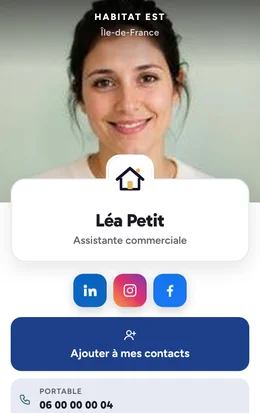
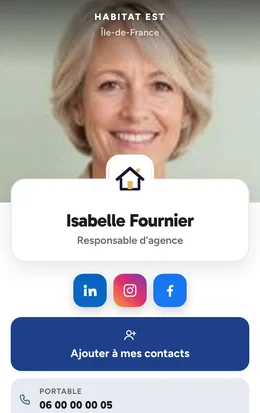
Track how your fleet of virtual business cards is used.
Your manager dashboard brings together the data that measures the impact of your conversations and makes your sales force more effective.
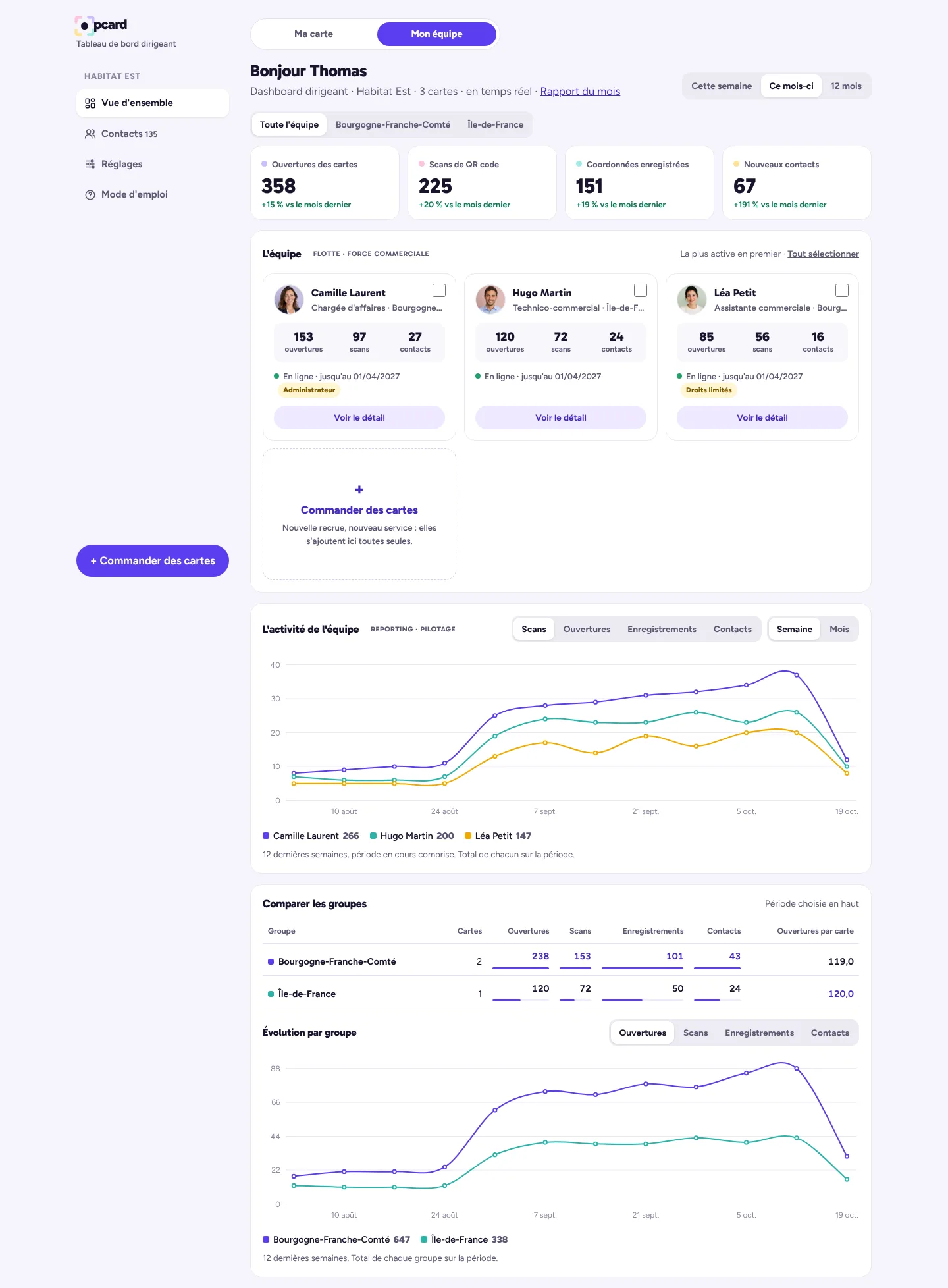


Figures for the whole team, by period and by group, and one block per team member.
Scroll the screen to explore · demo team
- Consolidated team viewEach team member's KPIs.
Learn more
Each team member, their card and their KPIs for the month: opens, QR code scans, contact details saved by their clients.
- Weekly or monthly reportingOne chart, one colour per person.
Learn more
One chart per week or per month, one colour per team member, and each person's details in one click: you can see who generates contacts, and when.
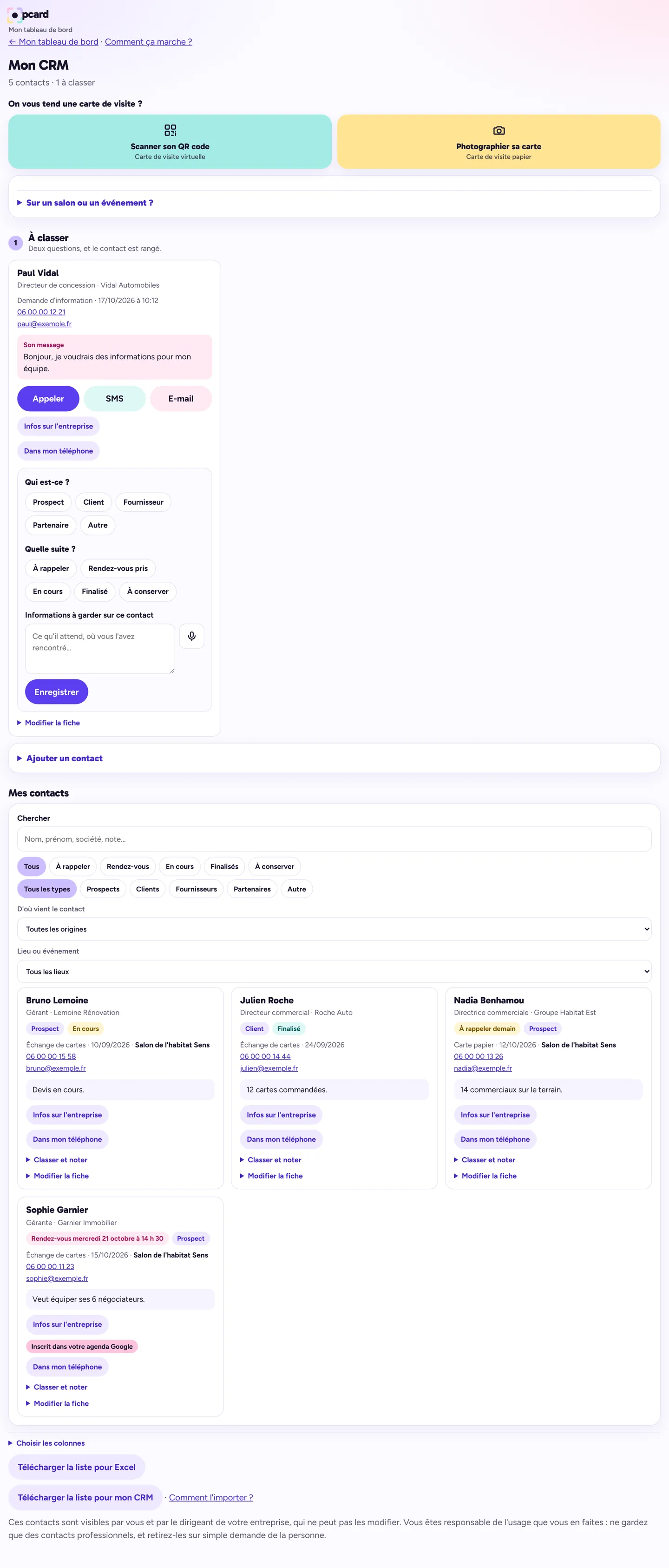
- Centralised contact baseAll the team's leads in one place.
Learn more
Every lead received or added by the team, with its status in the pipeline, the note, and a photo of the paper card when there is one.
- One-click exportTo Excel or your CRM software.
Learn more
To Excel, your CRM software or your contacts, and directly to HubSpot: each new contact is sent there automatically. You decide whether your team members can export their own.
- Google CalendarEveryone's appointments in their own calendar.
Learn more
Each team member can connect their Google Calendar to their CRM: their appointments are added to it, with the duration and reminder of their choice, and an appointment moved or deleted in Google is updated in their CRM. You see the appointments booked in your manager dashboard; to see their calendars, they share them with you in Google.
- Trade show modeLeads from a trade show, kept together.
Learn more
At a trade show or event, each team member enters its name in their CRM: for 12 hours, every contact they add or that their card receives is tagged with that event. In your manager dashboard, you filter by trade show and see what each event brought in.
- Automatic follow-upA thank-you in the team member's name, without lifting a finger.
Learn more
As soon as a contact leaves their e-mail address, they receive a thank-you in the team member's name, with their virtual business card and their booking link.
- Rights per team memberEveryone gets their own access, from “view” to “administer”.
Learn more
Tick cards, then give each person their rights: view, create, edit, export, delete, administer. An administrator can manage a group on your behalf.
Team reporting
QR code scansOpensContact details savedNew contacts
- Camille Laurent 87
- Hugo Martin 81
- Thomas Mercier 68
- Léa Petit 59
Sample chart from the manager dashboard: QR code scans by four fictional team members over six months.
Someone leaves? The client portfolio stays with you.
Tap a step for details.
1You cut off their access
In one move from your dashboard, after typing their first name to confirm.
2The portfolio stays
Their whole CRM stays within the company. New leads from their card keep coming in, and you are the one who gets notified.
3Their card gets a new cardholder
A button on their card, in your dashboard: you enter the first and last name of the person replacing them. €15, with no new card to buy.
4What is already out there still works
If the card's address contained their name, the old address redirects to the new one: links and QR codes already shared still lead to the card.
A simple roll-out
The order can come from management, purchasing or accounting.
Designed for large organisations too
Delegate whatever you want to whoever you want: management, accounting, marketing, team leaders… You decide who does what, and give the right access to the right people.
Your communications team edits each employee's card itself (job title, phone, e-mail, introduction, photo) and chooses, role by role, what each person sees in their dashboard: reception keeps only what it needs, sales gets everything.
Team pricing
+ €26 per card in the first year only, for set-up. That is €295 when you order, then €165 a year.
Secure payment by Stripe · Your card number never passes through our site.
Manager dashboard (back office) included from 2 cards, which you can also hand over to a team manager or your communications team.
No subscription: nothing is debited afterwards. From 1 to 4 cards, the single-card price applies.
Security
- Two-step verificationYour manager dashboard opens with your personal link and a code sent by e-mail, once per device.
- Hosted in FranceCards and contacts are stored on the servers of a French hosting provider, over an encrypted connection.
- Never resoldNeither resold nor used for advertising. We host them on behalf of your company, without looking at them.
Full details are in our privacy policy.
Your questions
Do I need to buy a new card when an employee leaves?
No. Their card is transferred to the person replacing them, for €15, and the period already paid for carries on. Their contacts stay within the company.
Can my team members see each other's contacts?
No. Each team member sees their own CRM. Only the manager dashboard brings together the whole team's contacts.
Can I have my own card as well as the manager dashboard?
Yes. Your card and your manager dashboard are linked by two tabs: you switch from one to the other in a single tap.
A new team member joins during the year?
We create their card in the team's colours and link it to your manager dashboard. Write to us at contact@opcard.fr.
Do I need to install an app?
No, not for you, your team members or your clients. Everything opens in the browser on a phone or computer, and can be kept as an icon on the home screen.